week-21-BookSearchEngine
Your Task
This application is fully functioning Google Books API search engine built with a GraphQL API with Apollo Server. The app was built using the MERN stack with a React front end, MongoDB database, and Node.js/Express.js server and API. It’s set up to allow users to save book searches to the back end.
The application is deployed to Heroku with a MongoDB database using MongoDB Atlas. Use the Deploy with Heroku and MongoDB Atlas
To Deploy
In the root; npm i - to install the node dependencies
In the client folder; npm run start - to start
Link to Heroku
Links no longer work as free accounts have been disabled from 28 August 2022. Please refer to Github.
https://booksearchengineskirkzzz.herokuapp.com/ https://git.heroku.com/booksearchengineskirkzzz.git
https://github.com/Skirkzzz/week-21-BookSearchEngine https://skirkzzz.github.io/week-21-BookSearchEngine/
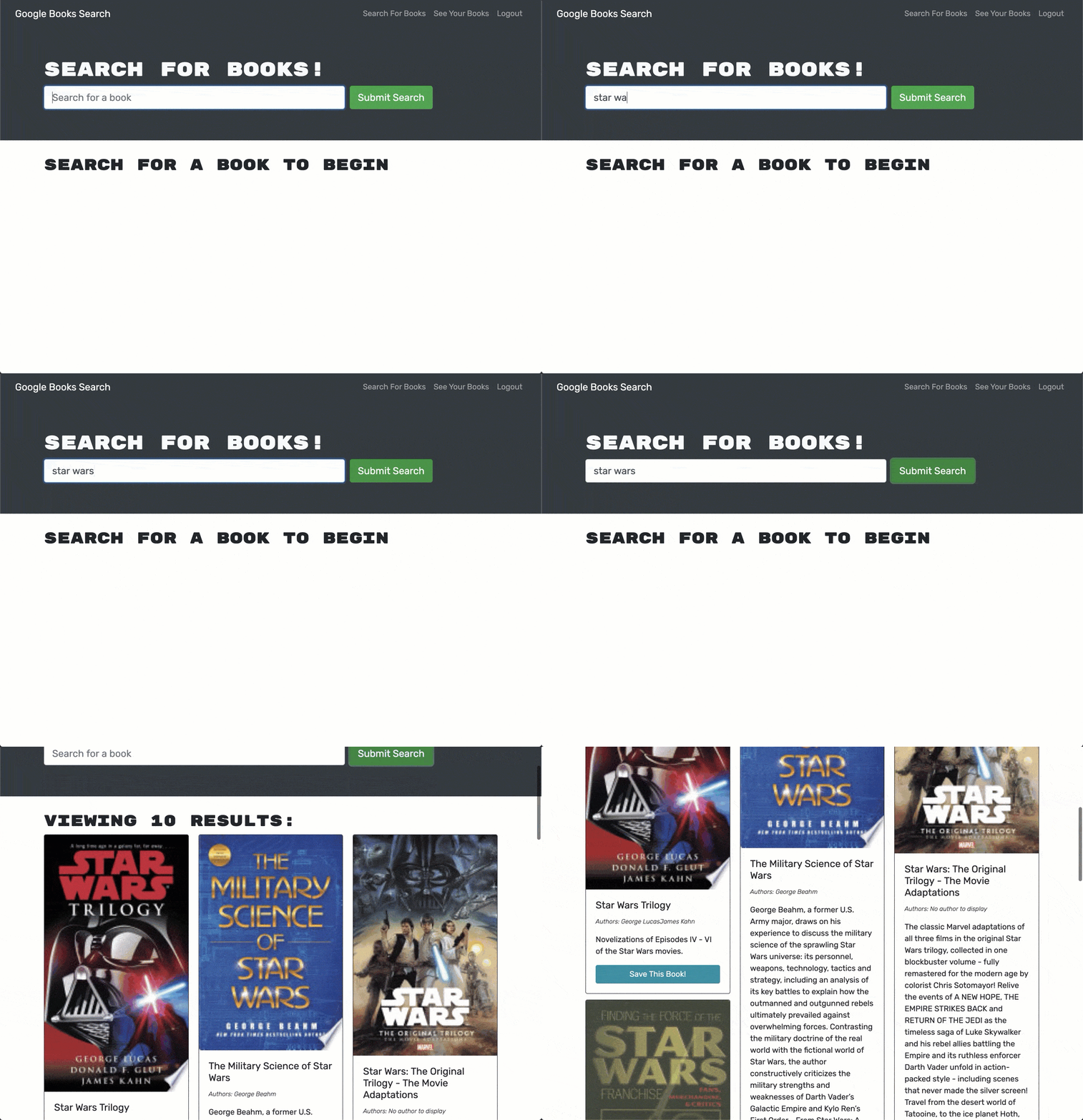
Screenshots of deployed application;
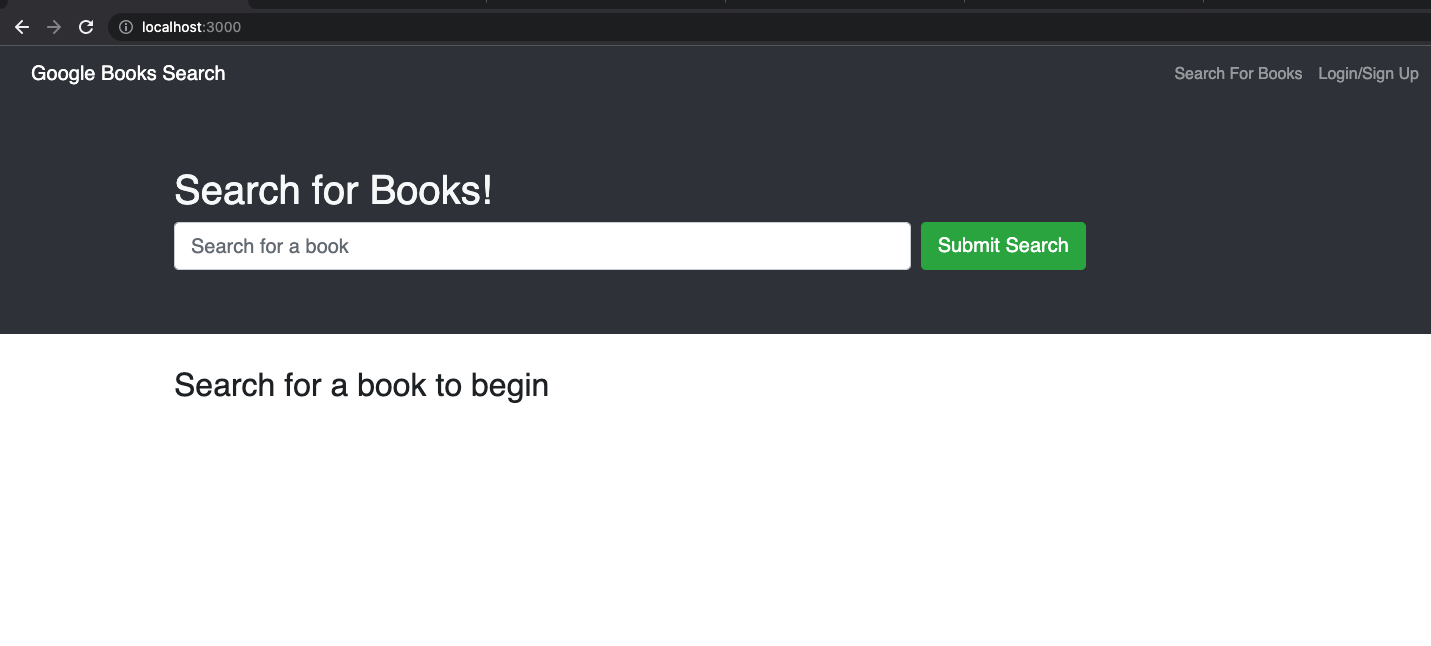
Deployed application screen shots
User Story
AS AN avid reader
I WANT to search for new books to read
SO THAT I can keep a list of books to purchase
Acceptance Criteria
GIVEN a book search engine
WHEN I load the search engine
THEN I am presented with a menu with the options Search for Books and Login/Signup and an input field to search for books and a submit button
WHEN I click on the Search for Books menu option
THEN I am presented with an input field to search for books and a submit button
WHEN I am not logged in and enter a search term in the input field and click the submit button
THEN I am presented with several search results, each featuring a book’s title, author, description, image, and a link to that book on the Google Books site
WHEN I click on the Login/Signup menu option
THEN a modal appears on the screen with a toggle between the option to log in or sign up
WHEN the toggle is set to Signup
THEN I am presented with three inputs for a username, an email address, and a password, and a signup button
WHEN the toggle is set to Login
THEN I am presented with two inputs for an email address and a password and login button
WHEN I enter a valid email address and create a password and click on the signup button
THEN my user account is created and I am logged in to the site
WHEN I enter my account’s email address and password and click on the login button
THEN I the modal closes and I am logged in to the site
WHEN I am logged in to the site
THEN the menu options change to Search for Books, an option to see my saved books, and Logout
WHEN I am logged in and enter a search term in the input field and click the submit button
THEN I am presented with several search results, each featuring a book’s title, author, description, image, and a link to that book on the Google Books site and a button to save a book to my account
WHEN I click on the Save button on a book
THEN that book’s information is saved to my account
WHEN I click on the option to see my saved books
THEN I am presented with all of the books I have saved to my account, each featuring the book’s title, author, description, image, and a link to that book on the Google Books site and a button to remove a book from my account
WHEN I click on the Remove button on a book
THEN that book is deleted from my saved books list
WHEN I click on the Logout button
THEN I am logged out of the site and presented with a menu with the options Search for Books and Login/Signup and an input field to search for books and a submit button
Licence
MIT